 Astal Creates
Will You Go On A Date?
An animated, interactive proposal flow with a "No" button that refuses to be clicked.
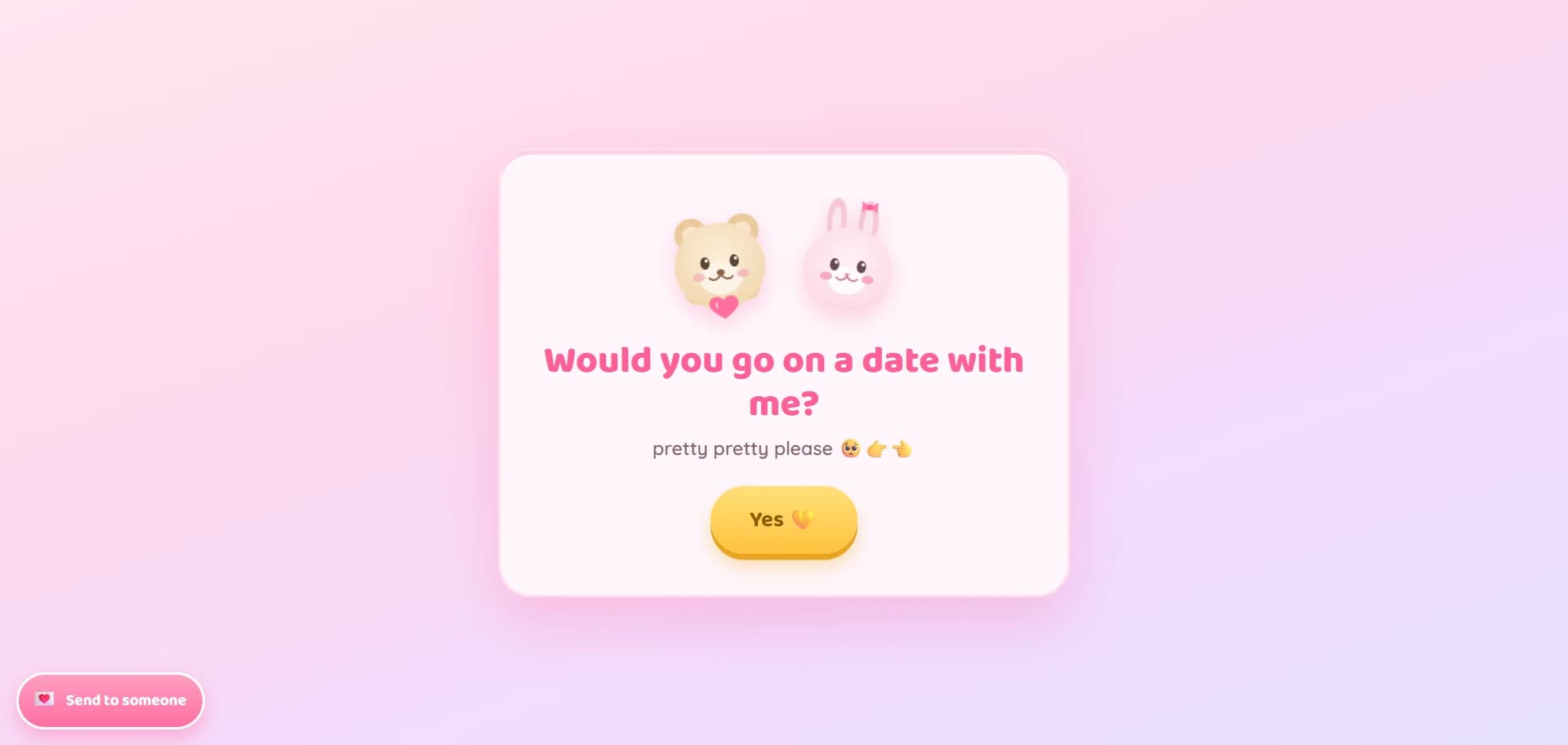
A single-page site that walks a visitor through a playful decision flow, from “would you go on a date with me?” to picking an actual day on a calendar, ending in a confetti celebration screen. Built as a personal, shareable 'ask someone out' experience, with built-in WhatsApp and email share links so the sender can send it directly to the recipient.
Why it needed to exist
A plain text message asking someone out is forgettable. This turns the ask into a small, memorable interactive experience, with a built-in path to actually share it.
Inside the product
Runaway “No” button
The No button relocates to a random position on hover, tap, and focus, so it can't be reliably clicked, showing a cheeky toast if you catch it.
Branching decision flow
Four screens (ask → love → day → final) toggle via an is-active class; choosing the wrong option nudges you with a toast instead of advancing.
Custom calendar widget
A hand-built month calendar (no library) renders day cells from scratch, disables past dates, marks today, and highlights the selected day.
Date confirmation flow
The 'it's a date!' button stays disabled until a day is picked, then hands the formatted date to the final screen's message.
Confetti / heart-rain finale
On reaching the final screen, 60 emoji hearts rain down with randomized position, size, duration, and delay, each cleaned up after 6 seconds.
Ambient floating hearts
A separate background layer continuously spawns floating emoji with randomized size, speed, and delay for passive motion behind the card.
WhatsApp click-to-chat sharing
A floating share button opens a modal that builds a wa.me link with a pre-filled message and the current page URL.
Email sharing via mailto
The same modal validates an email with regex and opens the visitor's mail client via a mailto: link with a pre-filled subject and body.
End to end
A genuinely unclickable button
The 'No' button had to be genuinely unclickable without breaking accessibility or layout. It's a normal in-flow button that gets promoted to position: fixed on first interaction, then repositioned via Math.random() bounded by the viewport minus its own measured width/height so it never renders off-screen or overlaps an edge. It also runs on a 1.1s interval gated by checking whether the ask screen is still active, so the interval stops firing (and DOM writes stop leaking) once the visitor moves to later screens, with a resize listener keeping it in-bounds if the viewport changes mid-dodge.
Where it stands
A focused single-page project with a linear commit history, deployed via Vercel. Built as a self-contained front-end experiment, no dependencies, no backend.
The full stack
- HTML5
- CSS3
- Vanilla JavaScript (ES6)
- No framework / no build step
- Inline SVG illustrations
- Google Fonts
- Vercel
Continue along the river
Want something built like this?
This is one of several products shipped under Astal Creates. Tell me what you're building and I'll write back.